01
Swipe
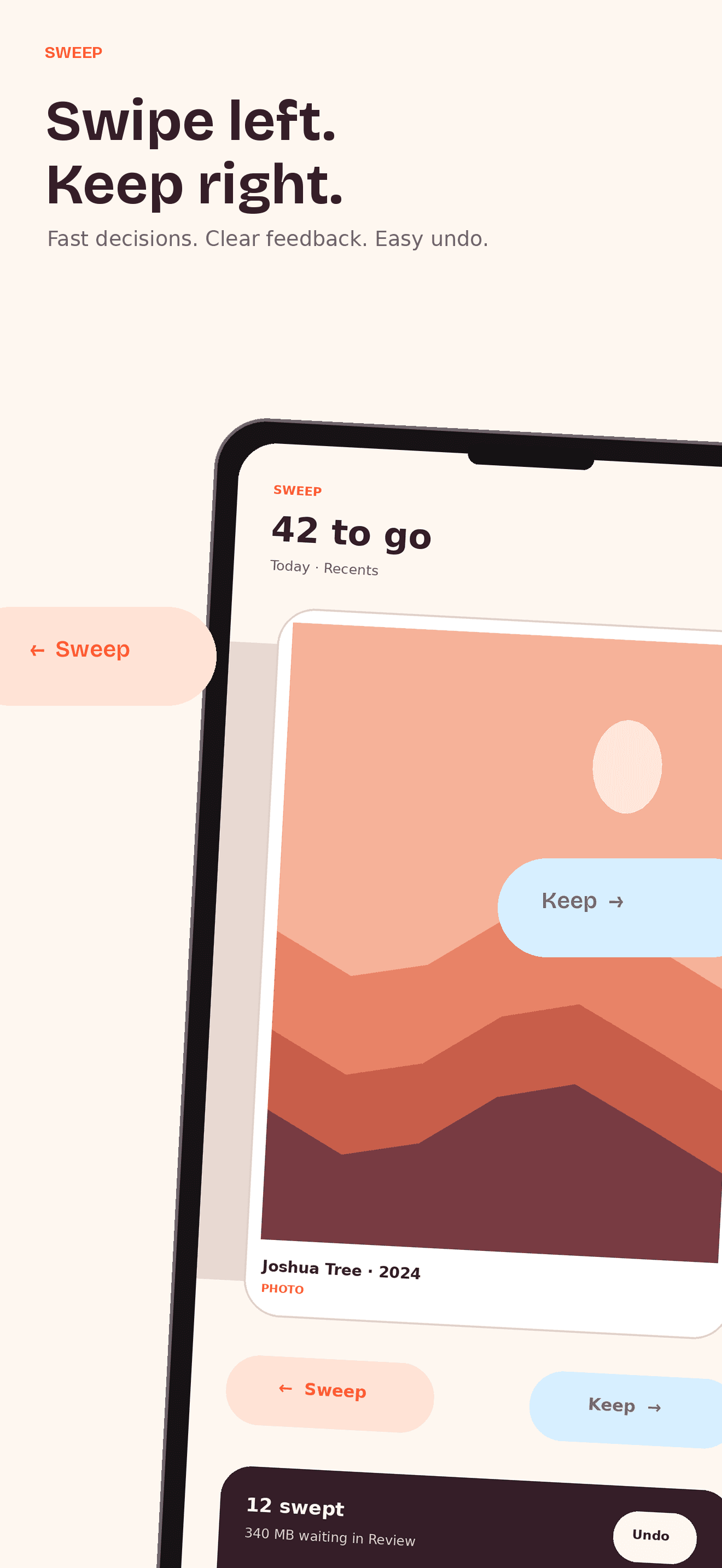
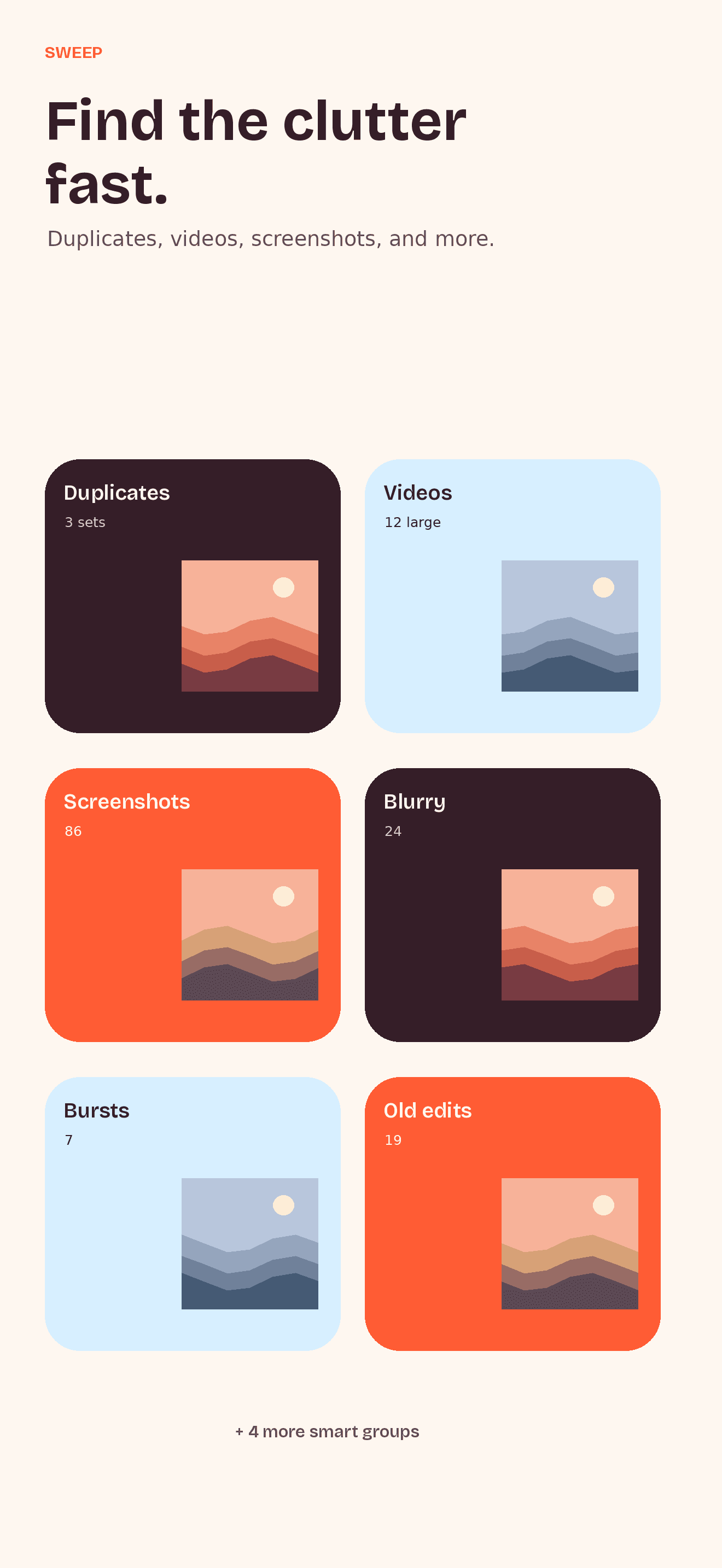
Pick a pile: screenshots, videos, bursts, albums, On This Day, or one month at a time. Left trashes it, right keeps it — and anything you love goes to the Good Stuff album. Undo anytime.
 Sweep
SweepCALM CAMERA-ROLL CURATION
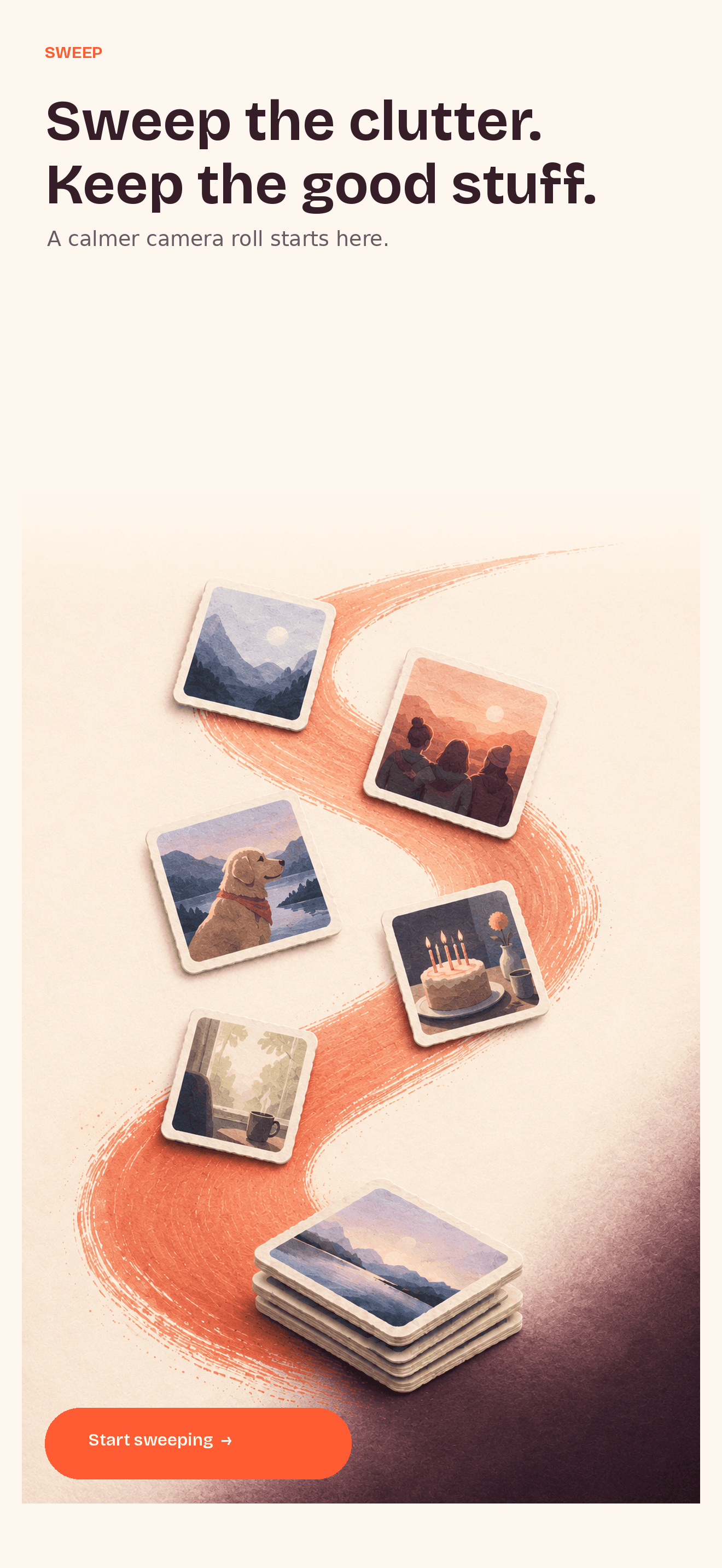
Swipe left to trash, right to keep. One batch delete, and proof of every gigabyte you get back.
On-device sorting · Review before deletion · No ads

The average camera roll holds thousands of screenshots, near-identical burst shots and videos nobody will ever watch. Deleting them one by one in Photos is so tedious that most people just buy more iCloud instead.
01
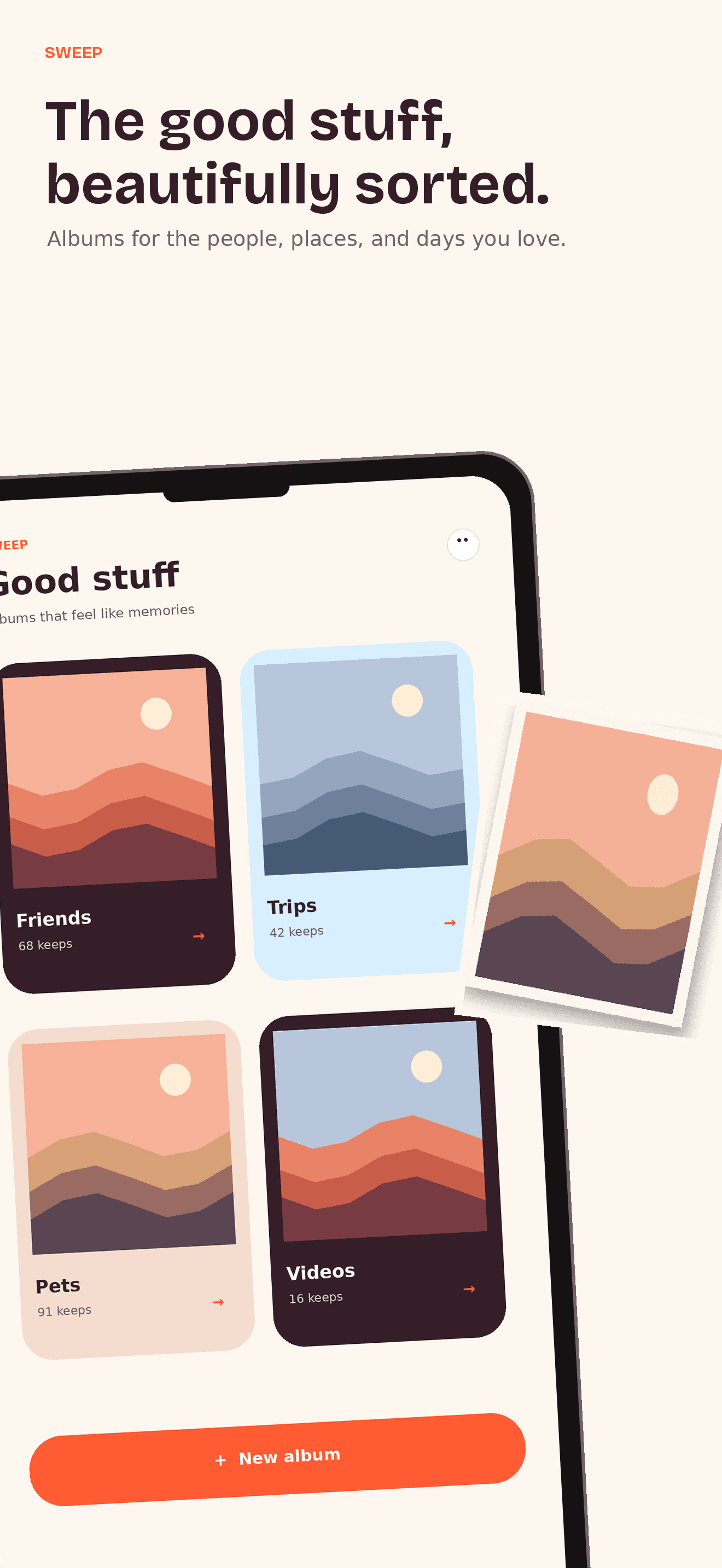
Pick a pile: screenshots, videos, bursts, albums, On This Day, or one month at a time. Left trashes it, right keeps it — and anything you love goes to the Good Stuff album. Undo anytime.
02
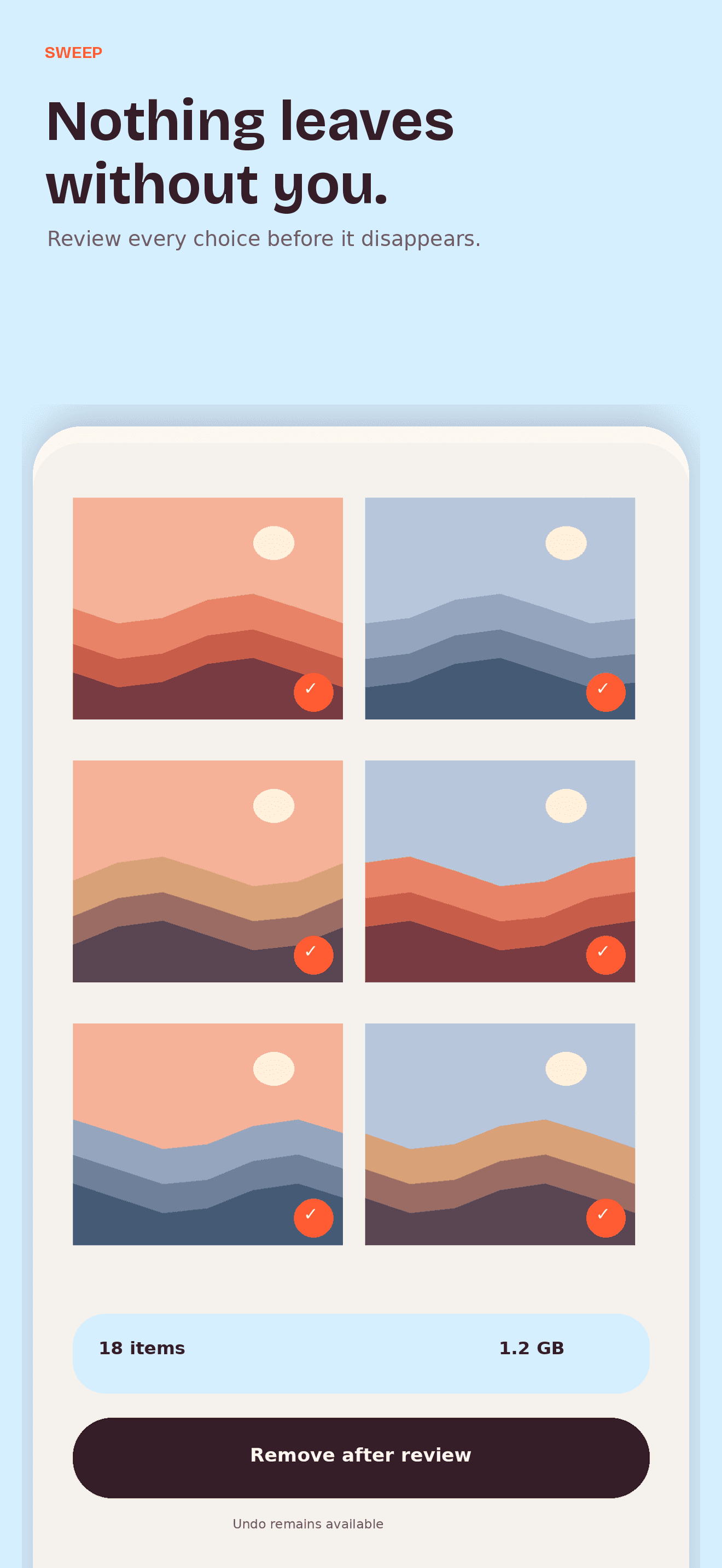
Nothing is deleted behind your back. Everything you trashed waits in one pile you check before confirming.
03
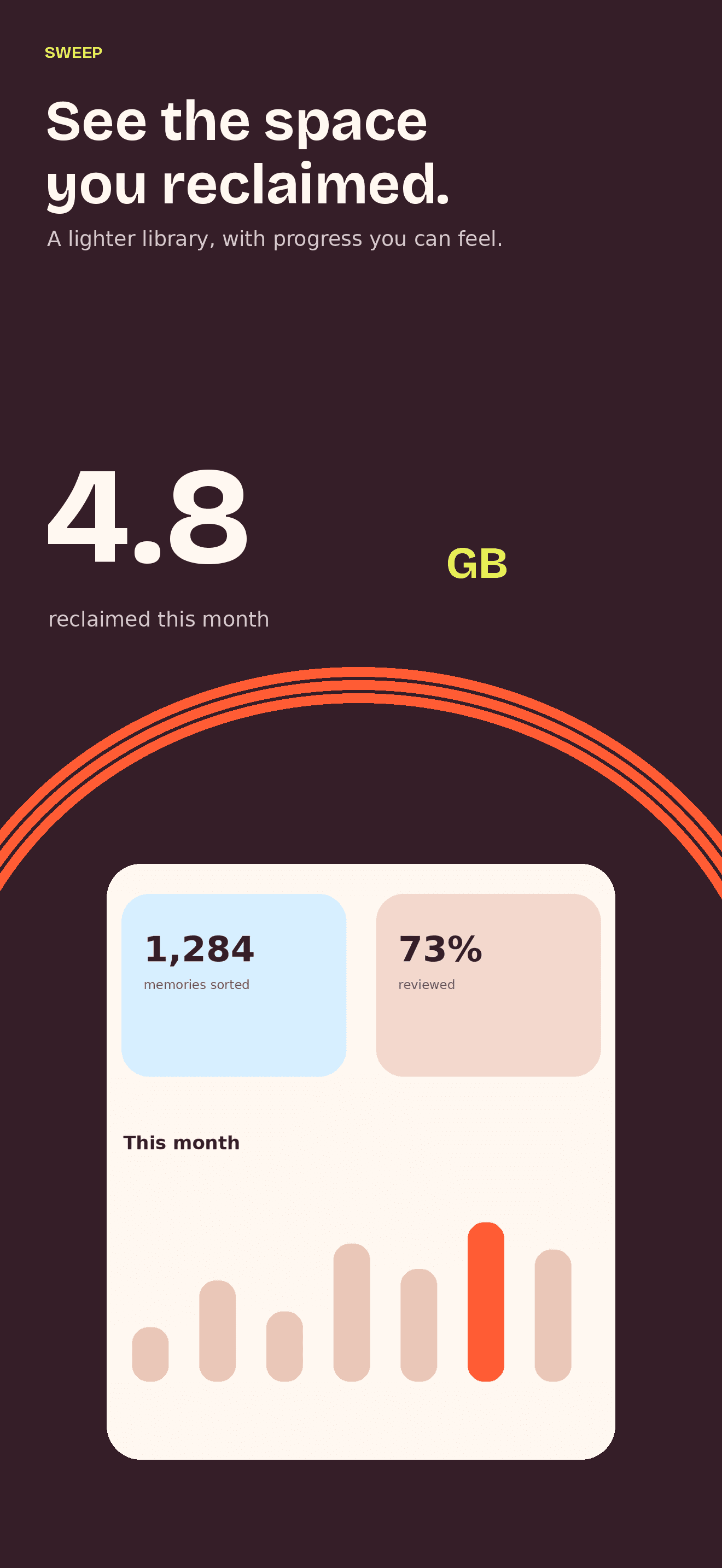
Sweep measures your device's real free space and shows exactly what you got back — and keeps a history of every gigabyte you've reclaimed. Not an estimate.
THE REAL PRODUCT
Swipe, compare, file into albums, review every removal, and see the room you made — all in a system designed to keep you in control.
15-SECOND PREVIEW
Fifteen seconds: the swipe, bursts, review, undo, and the space you get back.
iOS keeps deleted photos in Recently Deleted for 30 days, so most cleaner apps leave you wondering whether anything happened. Sweep walks you through the last step, then measures your actual free space.
PRIVATE BY DESIGN
Sweep has no photo servers, no account, no ads, and no photo uploads. Sorting stays on your device. Apple processes purchases, and RevenueCat validates the receipt using purchase data and an anonymous identifier — never your photos.
Privacy →Yes. Photos you confirm are moved to iOS's Recently Deleted album, exactly like deleting in the Photos app. iOS holds them there for 30 days as a safety net, and Sweep shows you how to empty it immediately, then measures the space you got back.
No. Sweep runs entirely on your iPhone. It has no servers and no account system, and your photos, thumbnails and metadata never leave the device.
Sweep is free for 100 swipe decisions a day with every feature included. Unlimited swiping is a single purchase of $14.99. There is no subscription and there are no ads.
Yes. Videos are usually where the storage goes, so Sweep has dedicated piles for all videos and for your longest videos first, with playback before you decide.
Two reasons. First, iOS keeps deleted photos in Recently Deleted for 30 days unless you empty it. Second, if Optimize iPhone Storage is on, your originals live in iCloud, so deleting frees iCloud space rather than device space. Sweep detects both cases and tells you what actually happened.
An iPhone running a recent version of iOS. Sweep works with iCloud Photos, Limited photo access is detected and explained, and no Mac or computer is ever needed.